Blog
How to Choose the Best Laptops and Desktops on Rent in Tricity

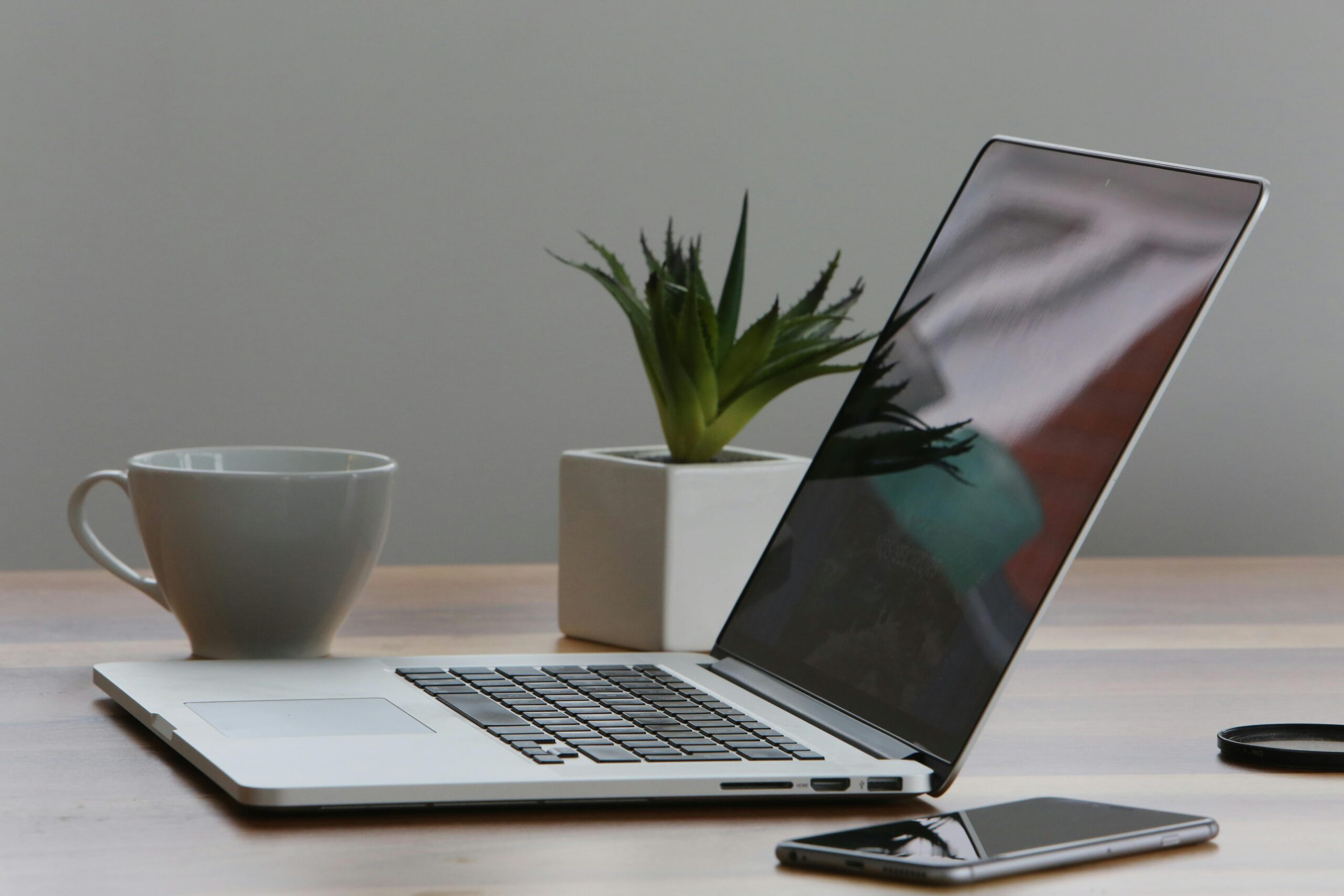
Finding the right computer on rent in Chandigarh, Mohali, or Panchkula is easier when you know what to look for. Whether you need an office work laptop on rent for a few weeks, a powerful desktop for designing, or a gaming setup for events, renting can save you money and provide flexibility. This guide explains everything you should know from specifications to rental plans so you can make an informed choice. We’ll also share exactly where to rent a laptop in Chandigarh, Mohali, Panchkula from trusted providers in the Tricity region.
Understanding Use Cases and Budget
Before choosing a rental device, clarify your purpose and budget. Your use case directly impacts which specifications you need.
- Business Use: If you need a system for office work, presentations, or client meetings, choose reliable laptops with mid-range processors, 8GB RAM, and SSD storage for smooth performance
- Studying: Students often prefer lightweight laptops with long battery life. ChromeOS or entry-level Windows laptops work well for research, assignments, and online classes.
- Gaming: High-performance laptops or desktops with dedicated graphics cards, advanced cooling systems, and high-refresh-rate displays are essential.
- Designing & Video Editing: Creative professionals need powerful CPUs, plenty of RAM (16GB+), dedicated GPUs, and color-accurate screens for precise work.
Tip: Renting helps you access top-tier specifications without heavy upfront investment perfect for startups, students, or event organizers.
Which Operating System Is Best?
Choosing an operating system depends on your work style and software needs.
- Windows: The most popular choice worldwide. Suitable for almost every use from business and education to gaming and designing. Supports a vast range of applications and hardware.
- macOS: Apple’s operating system is known for its sleek interface, stability, and excellent integration with iPhones and iPads. Ideal for creative professionals working in video editing, music production, or design.
- ChromeOS: Lightweight and budget-friendly, perfect for basic tasks like browsing, writing, and video calls. Most models are highly portable with excellent battery life.
- Linux: Favored by developers, programmers, and tech-savvy users. Open-source, highly customizable, and excellent for running servers or development environments.
Understanding Processor Names (CPUs)
The CPU determines how fast your system can handle tasks.
- Intel Processors
- Core i3: Suitable for basic computing, office work, and light multitasking.
- Core i5: Best for balanced performance ideal for office tasks and casual gaming.
- Core i7/i9: Designed for heavy multitasking, gaming, and demanding software.
- Qualcomm Processors: Power-efficient processors found in ultra-portable laptops. Great for long battery life and web-based work.
- AMD Processors: Ryzen series offers excellent price-to-performance ratio, with options for both casual and high-end users.
- MacBook Processors: Apple’s M1 and M2 chips are extremely fast and energy-efficient, perfect for creative tasks and professional workloads.
How Much Processing Power Do You Need?
The processing power of your laptop or desktop directly impacts how smoothly it can handle tasks. If your daily work involves only documents, emails, presentations, or basic web browsing, an entry-level CPU such as Intel Core i3 or AMD Athlon will serve you well without adding unnecessary cost to your rental.
However, if you’re into gaming, graphic design, video editing, programming, or running multiple heavy applications at once, you should aim for at least an Intel Core i5 or AMD Ryzen 5 processor. These mid-to-high range CPUs deliver faster speeds, better multitasking, and improved performance in demanding software. Professionals who handle 3D rendering, complex animations, or high-resolution video production may even consider Intel Core i7/i9 or AMD Ryzen 7/9 for maximum efficiency.
Best Processors for ChromeOS Laptops
ChromeOS devices are generally built for light to moderate computing. For basic tasks like online classes, web browsing, and Google Workspace tools, processors such as Intel Celeron or Pentium offer good performance at a budget-friendly rental rate.
If you want smoother multitasking, better speed in running Android apps, and enhanced video conferencing, choose ChromeOS laptops with Intel Core i3 or i5. These strike a balance between price and performance, making them ideal for students, remote workers, and businesses that rely heavily on cloud-based applications.
What About a Graphics Card?
The graphics card, or GPU, plays a big role in how well your laptop or desktop can handle visuals.
- Integrated GPU: Built directly into the processor, this type is more than enough for everyday tasks such as office work, web browsing, streaming videos, and light image or video editing. Integrated graphics also consume less power, which helps extend battery life in laptops.
- Dedicated GPU: A separate graphics processor designed for demanding visual tasks. If you plan on gaming, 3D modeling, animation, or heavy rendering, you’ll benefit from the extra speed and memory a dedicated GPU offers. These are essential for professionals using design software like Adobe Premiere Pro, AutoCAD, or Blender.
How Much RAM Do You Need?
RAM (Random Access Memory) determines how many tasks your computer can handle at once without slowing down.
- 4GB: Minimum for very basic use like browsing, emailing, or working with small documents. Not recommended for multitasking.
- 8GB: Ideal for most office work, studying, and general use. This is the sweet spot for a balance of performance and cost.
- 16GB or more: Required for gaming, video editing, 3D design, and running professional software that demands high memory usage.
How Much Storage Do You Need?
Your storage choice affects both speed and capacity.
- 128GB–256GB SSD: Suitable for users who mainly store documents, run small applications, and use cloud storage for larger files.
- 512GB–1TB SSD: Recommended for professionals handling large design projects, videos, or extensive software installations.
- HDD vs SSD: SSDs (Solid State Drives) are significantly faster, quieter, and more reliable than HDDs (Hard Disk Drives). They also improve boot-up times and software loading speeds, making them a preferred choice for rentals.
What Kind of Screen Should You Get?
A good display not only enhances your viewing experience but also reduces eye strain during long hours of use.
- Full HD (1920×1080): Standard resolution that works well for most office and personal tasks.
- Higher Resolutions (2K, 4K): Ideal for creative professionals working with high-definition video or detailed design work, as they offer sharper images and better color accuracy.
- Refresh Rate: For office work and browsing, 60Hz is sufficient. Gamers should opt for 120Hz or above for smoother gameplay.
Check for Ports
Having the right connectivity options can save you from using multiple adapters:
- USB Type-A and Type-C: For connecting accessories like external drives, printers, and smartphones.
- HDMI: For hooking up to projectors or external monitors.
- SD Card Reader: A must-have for photographers and videographers who transfer media files regularly.
Webcams, Hinges, and More
For remote work, video conferencing, and online classes, a good quality webcam (at least 720p, ideally 1080p) is essential. Durable hinges ensure your laptop screen stays stable over time, while a comfortable keyboard and responsive trackpad make everyday use much easier.
Make Your Choice
After evaluating the specifications that match your needs, compare rental terms such as monthly cost, security deposit, and included maintenance or technical support. Choosing the right provider is just as important as picking the right device — it ensures a smooth experience throughout your rental period.
Where to Rent a Laptop in Chandigarh, Mohali, Panchkula
If you’re planning to rent a laptop or desktop in the Tricity area, there are several reliable providers to choose from and KPI Solutions is among the most trusted names.
For more than 12 years, we have been offering businesses, students, and professionals flexible rental options, from short-term event needs to long-term corporate setups. Our inventory includes office laptops, high-performance machines for design and editing, and gaming-ready systems.
We understand that every requirement is unique, so our rental plans are tailored to match your usage and budget. And if you’d like to explore more options, you can also check other established rental providers in Chandigarh, Mohali, and Panchkula to compare models, pricing, and services.
The goal is simple choose a service that offers the right device, transparent pricing, and reliable technical support, so you can focus on your work without worrying about your hardware.