

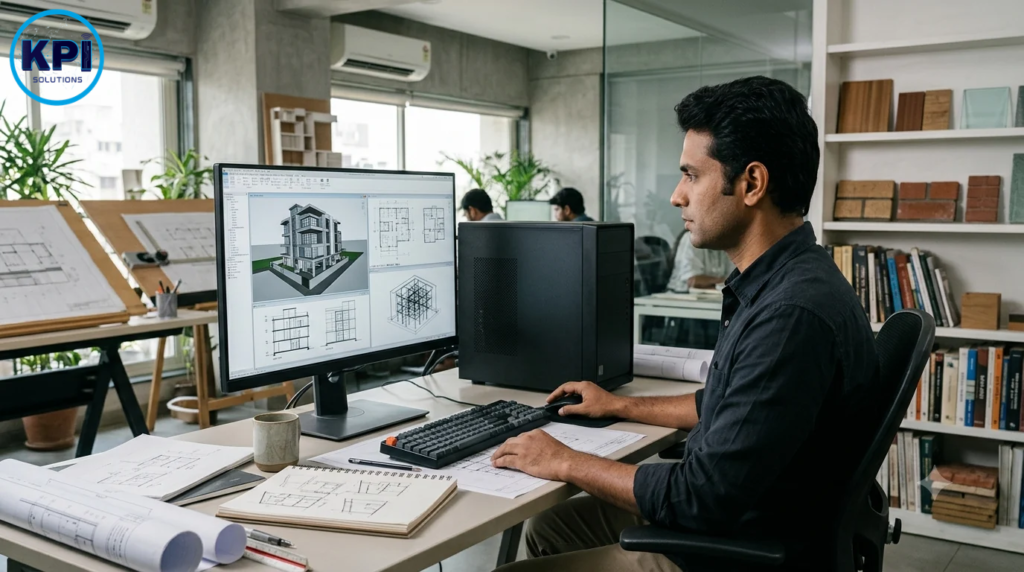
How to Choose a Desktop for Architecture and CAD Work
Having a powerful desktop machine can allow you to run complex designs and drawings efficiently. For CAD design, it is important to have a sufficiently powerful desktop machine.
If you do not have the correct specifications in your machine, processes may be slow and could cause you to lose time with your projects. Choosing hardware to suit CAD applications such as AutoCAD, Revit, SketchUp and others will allow you to work more efficiently.
Things to Consider
1. Processors
Processors aid calculations within your design software.
If you are doing simple 2D design, a mid range processor may be sufficient. However, if you are completing complex 3D modelling, simulations and complex architectural designs, you may want to consider more powerful processors.
Some applications may require a powerful single-core processor. However, for rendering or multitasking, multi-core processors can help.
Based on the applications and projects you are completing, choose a processor suitable for your software.
2. RAM
RAM allows for multiple applications and data to be processed by the computer. Architectural software can take up large amounts of memory in order to run complex models and designs.
Insufficient RAM can cause slow performance when switching between applications and with complex designs.
As a general guideline, 32GB of RAM would be appropriate for most professional CAD/Architectural uses. If you are working on very large BIM models, in-depth rendering or multiple resource heavy applications at once, 64GB (or even more) may be more appropriate.
The correct amount of RAM for you will depend on the complexity of your project and the requirements of your software.
3. Dedicated Graphics Card
Graphics cards enable complex models to be viewed with ease, as well as complex visuals, and in real time.
Whilst integrated graphics may be suitable for simple design, in order to perform complex 3D design, having a dedicated GPU would be recommended.
Be sure to check what requirements your software has for graphics cards. Rendering software may have different requirements to design focused software.
Having a suitable graphics card can allow for improved performance in design views and reduce lag. It can also allow complex models to be worked on more easily.
4. SSD Drives
Many design projects will have large amounts of data, textures, images and supporting documents. Using a standard Hard Drive may cause slower performance with opening programmes and data.
Using an NVMe SSD can increase performance and improve speed.
As a general guideline, 1TB SSDs are a good option for most professionals. If you are working with very large architectural models, rendering and multiple projects, you may require additional storage.
Be aware that having an SSD alone is not sufficient to prevent accidental data loss, so it is important to have alternative back-up systems.
5. Screen
The quality of the screen will greatly impact design.
A large screen with a high resolution can allow multiple panels to be opened and complex designs to be viewed.
Many design professionals will find a 27” screen with QHD resolution to be a good choice. However, if in depth visual designs are required, a higher resolution may be better.
Be sure to consider accurate colours, adjustment and screen sizes.
6. Cooling & Power Supply
Due to high performance parts, computers can become quite hot, especially when performing rendering and extensive work.
It is important to ensure correct ventilation, effective cooling and a suitable power supply for the components within the desktop. Without effective cooling, performance may be reduced and stability may be affected.
Ensuring good ventilation within the case and having an appropriately rated power supply can allow stable performance at high demands.
7. Suitability for Software
Depending on the design software, different hardware is required. If using AutoCAD for simple 2D designs, the hardware needed may be less than if creating complex Revit designs or high quality 3D designs.
Be sure to check what specification is recommended for any software you are using.
Within a business consider what projects you may complete in the future, any software advancement, and how many people will be using this equipment.
Summary
To get the best desktop for architecture/CAD, consider what software you will be using, complexity of your projects and the regular work load. Getting a balance of the correct performance in processors, RAM, dedicated graphics, SSD and efficient cooling can mean more efficient design. If you are a business or design professional in need of suitable equipment, KPI Solutions offer desktop and IT equipment rentals to help meet demanding workloads.