

Projector on Rent in Chandigarh: What to Check Before You Book for an Event
Renting a projector sounds simple until the day of the event. The image is dim in a bright room. The resolution isn’t sharp enough for the slides you built. The throw distance doesn’t work for the venue size. Nobody brought the right cable for the laptop. It’s 20 minutes before the presentation starts and the screen is blank.
All of these are avoidable. They happen because most people book a projector the same way they’d book a chair — without asking the questions that actually determine whether it works for their specific situation.
Lumens: The Number That Matters Most
Brightness is measured in lumens, and it’s the single most important spec when renting a projector — especially for corporate events where you can’t always control the room lighting.
A projector with 2,000 lumens looks decent in a dark room and washed out in a well-lit conference hall. For venues with natural light, overhead lighting, or large windows, you need at least 3,500 lumens — and for larger spaces or bright environments, 5,000 or more.
When you call to book, don’t just ask “do you have a projector available?” Ask specifically: how many lumens is it? Will it work in a room with this lighting situation? A rental provider who knows their inventory will answer this without hesitation.
Resolution: HD Is the Baseline for Professional Use
Standard definition projectors still exist in rental inventories. They look fine for a movie screening and poor for a corporate presentation with text, charts, or detailed graphics.
For business use — keynotes, boardroom presentations, training sessions, product demos — 1080p (Full HD) is the minimum you should accept. If your presentation includes video content, 4K is worth considering for larger screens.
Ask for the native resolution, not the “maximum supported” resolution — these are different numbers, and rental providers sometimes quote the latter.
Throw Distance and Screen Size
Every projector has a throw ratio — the relationship between the distance from the projector to the screen and the width of the image it produces. If the throw ratio doesn’t match your venue’s geometry, you either get an image that’s too small or you can’t place the projector at the right distance.
Before booking, know your venue: how far back from the screen can the projector realistically be placed? What screen size do you need for everyone in the room to see clearly? Share these with the rental provider and confirm they have a projector that works for those dimensions. Short-throw projectors are available for rooms where there isn’t enough distance; standard projectors need more space.
Connectivity: Don’t Assume
The laptop you’re presenting from and the projector you’ve rented need to physically connect. This sounds obvious and is repeatedly overlooked.
Check what output your laptop has — HDMI, USB-C, DisplayPort, or an older VGA port. Confirm the projector has a matching input or that the rental includes the appropriate adapter. If multiple presenters are using different devices, check all of them.
For wireless presentation setups, confirm whether the projector supports wireless connectivity or whether you need a separate wireless HDMI transmitter — and who is providing that.
Setup, Testing, and Support
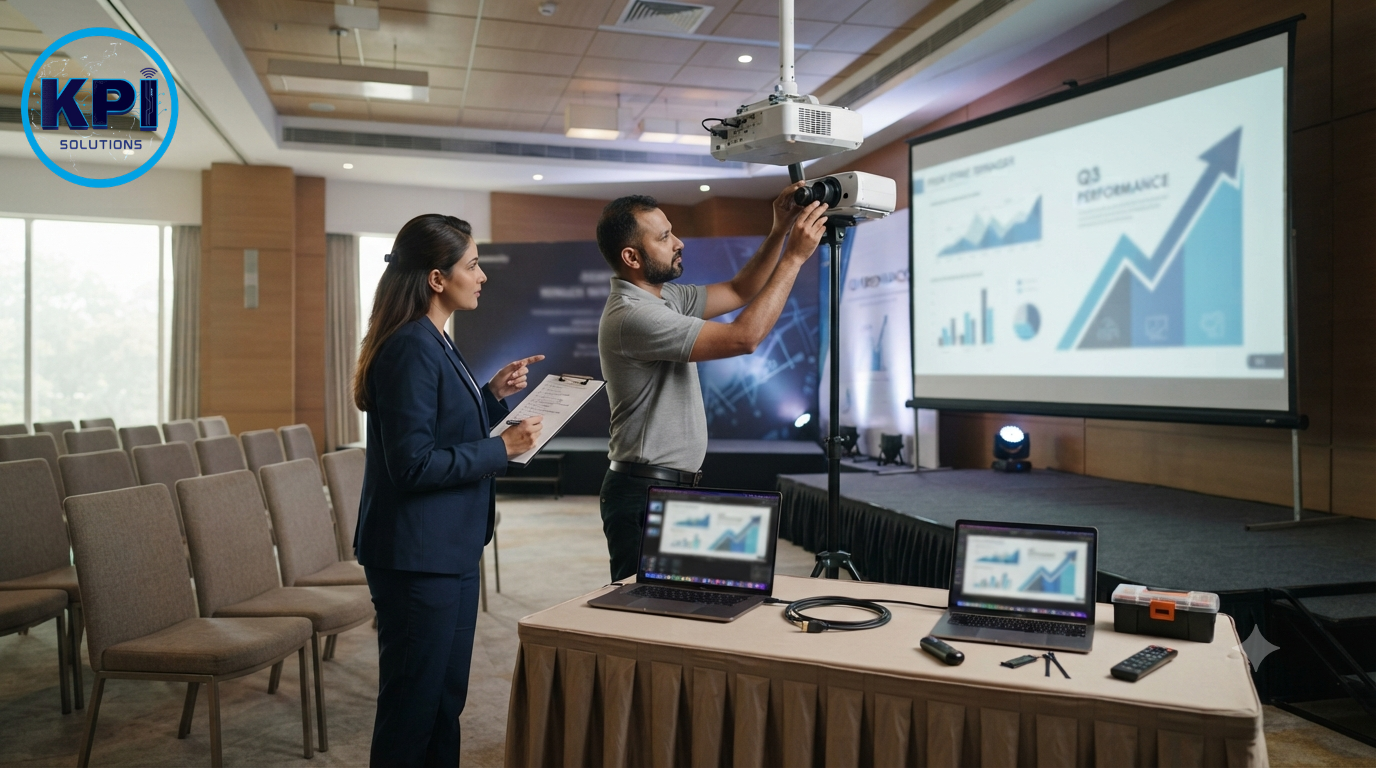
A projector that works perfectly in a warehouse doesn’t automatically work perfectly in your venue without a setup check. For any event where the presentation is important, request delivery and setup at least an hour before attendees arrive — not ten minutes before.
Ask the rental provider: will someone come to set it up, or is it drop-off only? If there’s a technical issue during the event, who do you call and how quickly can they respond? A provider with same-day support who can troubleshoot remotely or send someone is very different from one who drops off equipment and is unavailable until Monday.
What About the Screen?
Many people rent the projector and forget the screen. A projected image on a white wall in a well-lit room is almost always inferior to a proper projection screen.
Check whether the rental includes a screen. If not, rent one. Screen size should match your audience — roughly 1 foot of screen width for every 3 feet of audience depth is a useful rule of thumb.
KPI Solutions: Projector Rentals for Events in Tricity
At KPI Solutions, we rent projectors for corporate events, training sessions, product launches, and seminars across Chandigarh, Mohali, and Panchkula — with delivery, setup, and same-day support included. Tell us your venue size, room lighting, and what you’re presenting, and we’ll match you with the right unit. No guesswork on specs, no last-minute surprises. Give us a call and we’ll sort it out before the event.